Photos & video · browser-local processing
Apply a Matcha-Style Filter to a Photo
Turn a photo into a moving olive-green liquify composition with broad waves and grain—without an account or server upload.
✓ Photo & video✓ Before/After preview✓ Browser-local processing
Browser-local photo lab
Shape the visible effect, not missing pixels.
Media stays on this device
This tool adjusts pixels that are already visible. It cannot reconstruct covered, deleted, or missing content.
Drop a photo here
JPG, PNG, or WebP · up to 20 MB / 40 MPNo account. No media storage. No image API.Example result · illustrative image
See the Matcha-style treatment before you upload.
The same example photo is shown without and with an olive-green Matcha-style treatment. Your result depends on the photo and settings.
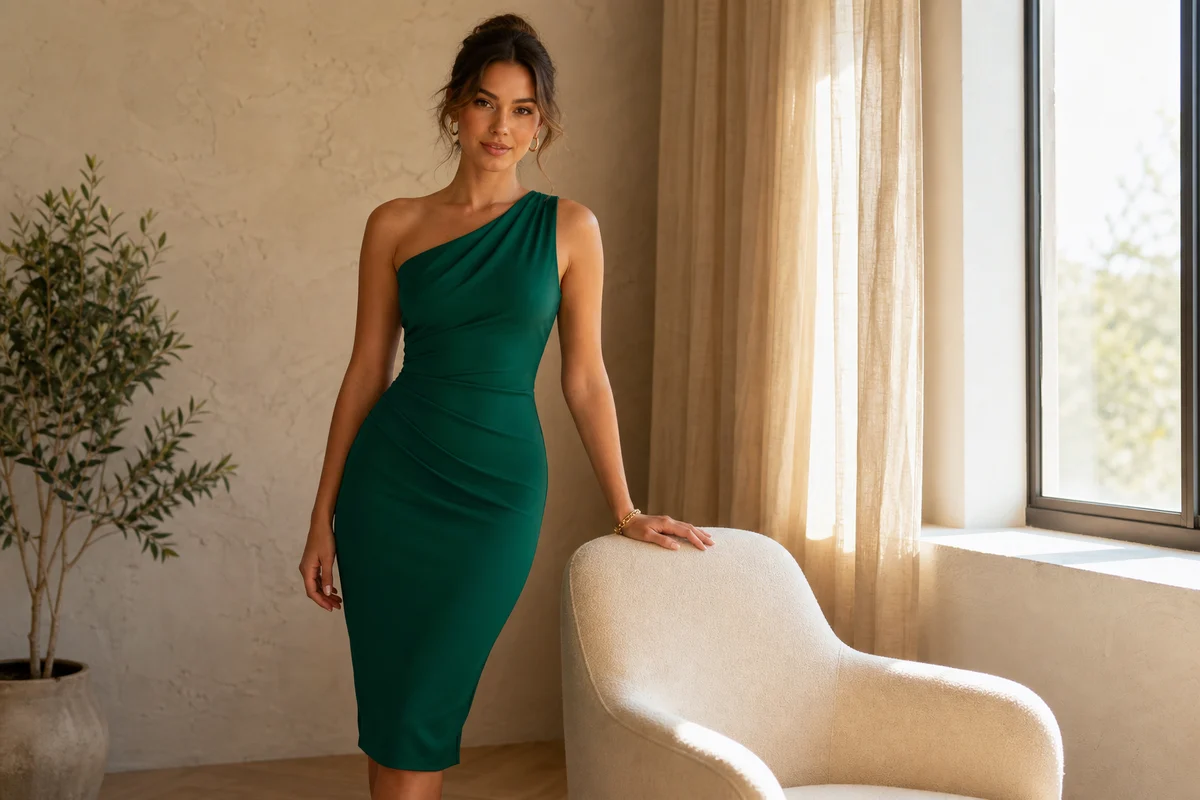
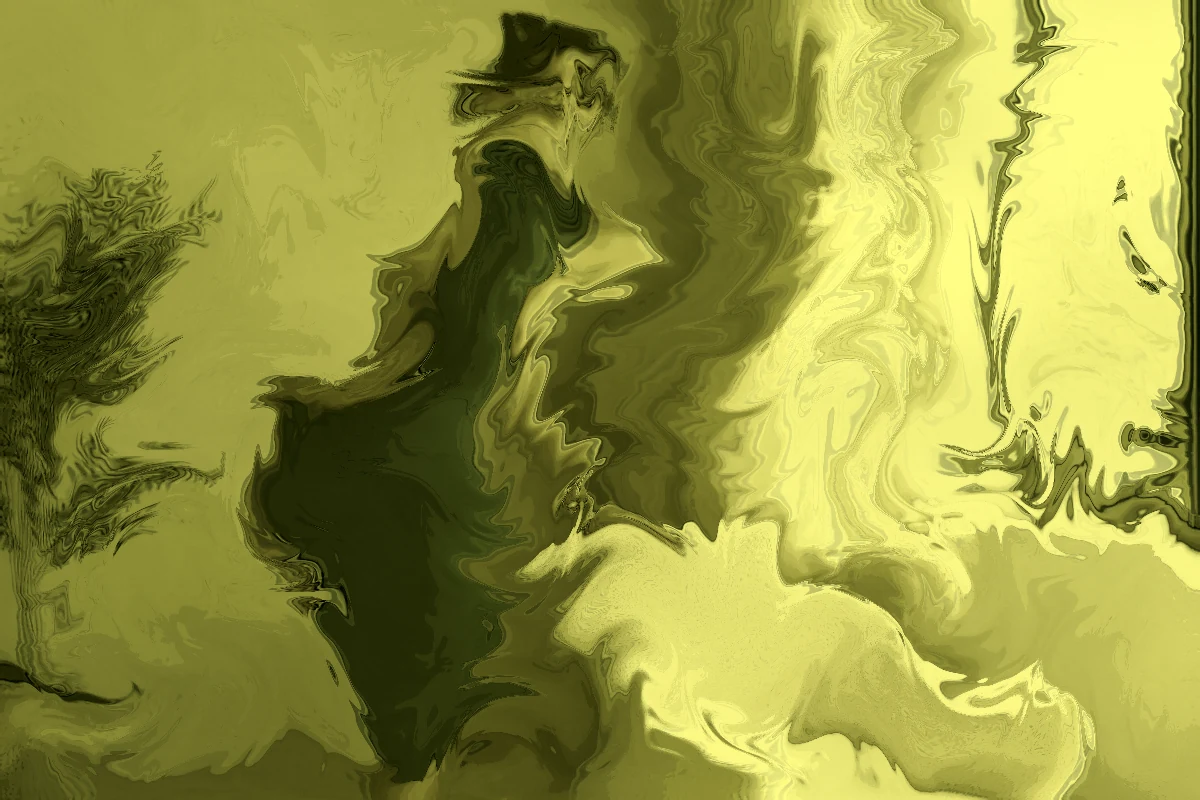
Illustrative, AI-generated example imagery. The live remover processes the photo or video you choose locally in your browser.
Inspired, not official
A moving liquify interpretation of the viral visual language.
Apply mode combines an olive-green palette, animated multi-scale UV waves, shadow shaping, and deterministic grain. Pause on any frame and download that frame as a PNG.
- Light — gentle tint and motion
- Balanced — visible rolling liquify
- Strong — deeper color, warp, and grain